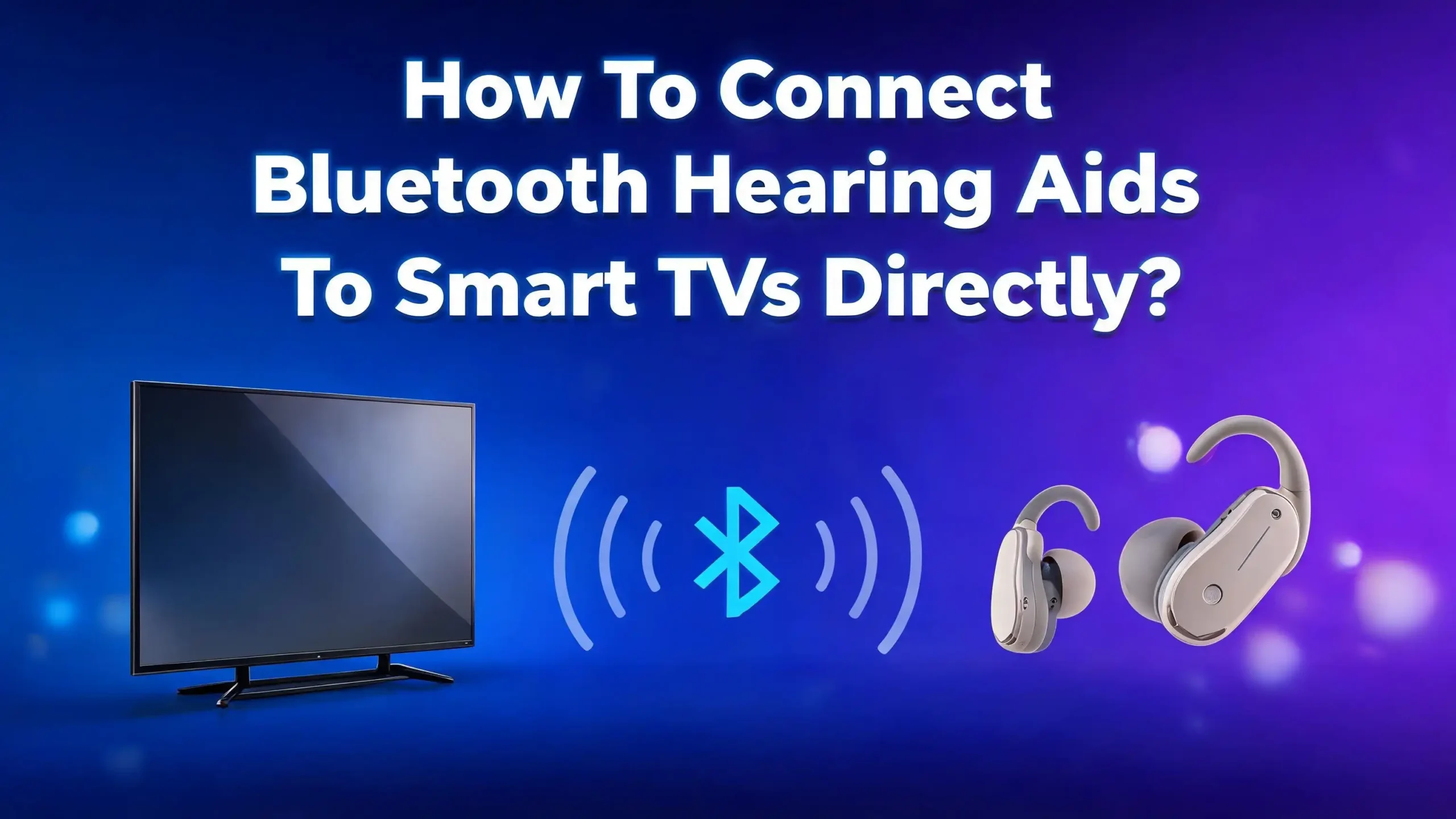
How To Connect Bluetooth Hearing Aids To Smart TVs Directly?
Watching TV with hearing loss can feel frustrating. You turn the volume up, family members complain, and you still miss half the dialogue.
The good news is that modern Bluetooth hearing aids can stream TV audio straight into your ears. The clarity improves, the volume stays personal, and everyone in the room stays happy.
This guide shows you exactly how to connect Bluetooth hearing aids to smart TVs directly. You will learn which TVs support direct pairing, which hearing aids work best, and what to do when things go wrong. Each section gives you simple steps you can follow today.
By the end, you will know whether direct Bluetooth is the right choice or whether a small accessory will serve you better.
Key Takeaways
- Direct Bluetooth pairing works best with newer smart TVs that support Bluetooth LE Audio, Auracast, or standard Bluetooth output. Brands like Samsung, LG, Sony, and Amazon Fire TV now offer this feature on many recent models.
- Most older Bluetooth hearing aids use a low energy protocol that classic TV Bluetooth cannot read. In that case, you will need a TV streamer accessory from your hearing aid maker.
- Made for iPhone hearing aids pair easily with Apple TV through the Accessibility menu, giving you stereo sound with very low delay.
- Audio lag is the most common problem during direct streaming. You can fix it through TV audio sync settings or by switching to a low latency codec.
- Auracast is the future of TV listening for hearing aid users because it lets multiple people share the same audio broadcast at once.
- Always update your TV firmware and hearing aid app before pairing, since most connection failures come from outdated software.
Why Direct Bluetooth Streaming From A TV Matters
Hearing aid users miss TV dialogue more than any other sound. Background music, fast speech, and accents all blur together when sound travels across a room. Direct streaming sends the audio signal straight from the TV into your hearing aids. You hear every word at the level your ears need.
Direct streaming also keeps household peace. Your spouse no longer asks you to turn the volume down. You set your own listening level inside your hearing aids while the TV speakers stay at a normal volume for everyone else. Some smart TVs even let both outputs play at the same time.
The sound quality is another big win. Bluetooth streaming carries a clean digital signal, so you skip the room echo and the muffled tones that make speech hard to follow. Many users say dialogue feels almost as clear as a phone call. This matters most for news anchors, drama shows, and sports commentary.
There is also a comfort factor. You can lean back on the couch without sitting close to the TV. The signal follows you around the room within Bluetooth range. For many people, this freedom alone makes direct streaming worth the effort.
Check If Your Smart TV Supports Direct Bluetooth Output
Not every smart TV can send audio over Bluetooth. Some only accept Bluetooth input from a remote or game controller. You need to confirm your TV supports Bluetooth audio output before you go further.
Open your TV settings and look under Sound, Sound Output, or Accessibility. If you see options like Bluetooth Speaker List, Wireless Speaker, or Hearing Aid Support, your TV can stream audio out. If you only find Bluetooth pairing for accessories, the TV likely will not work with hearing aids directly.
Recent Samsung, LG, Sony, and TCL smart TVs from 2022 onward usually support Bluetooth audio output. Amazon Fire TV devices from 2024 onward support the ASHA protocol made for hearing aids. Apple TV 4K supports Made for iPhone hearing aids through the Accessibility menu.
Pros of having a Bluetooth ready TV: no extra hardware to buy, simpler setup, and one less device to charge or replace. Cons: older TVs often miss this feature, and even newer TVs may not support the low energy Bluetooth profile that hearing aids use. If your TV lacks this feature, do not worry. A small streamer can solve the problem, and we cover that further down.
Confirm Your Hearing Aids Can Pair With A TV Directly
Hearing aid Bluetooth comes in several flavors. Knowing which one your aids use will save you hours of failed pairing attempts. The three main types are classic Bluetooth, Bluetooth Low Energy with ASHA, and the new Bluetooth LE Audio with Auracast.
Phonak hearing aids are special because they use classic Bluetooth, the same kind your TV likely speaks. That makes them one of the few brands that pair directly with most smart TVs without an adapter. Other brands like Oticon, ReSound, Starkey, Widex, and Signia often use low energy Bluetooth, which classic TV Bluetooth cannot read.
Open your hearing aid app or the user manual. Look for terms like Made for iPhone, Made for Android, ASHA, or LE Audio. If your aids list LE Audio or Auracast, they can connect to the newest Bluetooth LE Audio TVs without any extra device.
Pros of Phonak style classic Bluetooth aids: they pair with almost any Bluetooth TV out of the box. Cons: classic Bluetooth uses more battery, so streaming drains your hearing aid faster. Pros of LE Audio aids: lower battery use and better sound quality. Cons: they only work with newer TVs that support LE Audio, which is still rolling out across the market.
Step By Step Pairing With A Samsung Smart TV
Samsung TVs have one of the friendliest Bluetooth menus for hearing aid users. The exact path depends on your model year, but the steps below work for most Tizen based Samsungs.
First, place your hearing aids in pairing mode. You usually do this by opening and closing the battery doors, or by holding the program button for several seconds. Your hearing aid app may also have a Pair New Device option.
Next, grab your TV remote and press the Home button. Go to Settings, then Sound, then Sound Output. Select Bluetooth Speaker List. The TV will scan for nearby devices. Your hearing aids should appear as a single entry with the brand name or model number.
Highlight your hearing aids and press Select. After a few seconds, the TV confirms the pairing. The audio now plays through your hearing aids. To switch back to the TV speakers, return to the Sound Output menu and pick TV Speaker.
Pros of Samsung pairing: clean menu layout, support for hearing aid mode on many models, and a feature called Multi Output that plays sound through both the TV and your hearing aids at once. Cons: older Samsungs only support classic Bluetooth, so low energy aids may not show up. Some users also report that Samsung disconnects the aids from the phone while paired to the TV.
Step By Step Pairing With An LG Smart TV
LG webOS televisions also support Bluetooth audio output, and recent models include a dedicated hearing aid feature. The process is straightforward once you know where to look.
Press the Settings button on your Magic Remote. Open All Settings, then go to Sound, then Sound Out. Choose Bluetooth or Use Wireless Speaker. The TV begins searching for nearby Bluetooth devices.
While the TV searches, put your hearing aids into pairing mode. Most aids enter pairing mode for three minutes after you reinsert the batteries or restart them through the app. When your hearing aids appear on the TV screen, select them and confirm.
LG also offers a feature called Listen Together with Hearing Aid on newer OLED and QNED models. This setting lets the internal TV speakers and your hearing aids play sound at the same time. You find it under Settings, then Accessibility, then Audio.
Pros of LG pairing: the simultaneous output feature is excellent for shared viewing, and webOS handles reconnection well. Cons: some LG models only support classic Bluetooth 5.0, which can struggle with low energy hearing aids. Users with Oticon Real and similar low energy aids often report that the TV cannot detect them at all. In that case, a streamer is your next best step.
Step By Step Pairing With Apple TV And Made For iPhone Aids
Apple TV offers the cleanest experience for Made for iPhone hearing aid users. The connection runs through the same low energy protocol that links your aids to your iPhone, so audio quality and battery life stay strong.
Turn on your Apple TV and grab the Siri Remote. Open Settings, then go to Accessibility, then Hearing Devices. The Apple TV scans for nearby Made for iPhone hearing aids.
Place your hearing aids in pairing mode. Apple TV will list them by name on the screen. Select your aids and confirm the pairing code if asked. The audio now streams in stereo with very low delay.
You can adjust volume, balance, and presets right from the Apple TV remote. Hold the TV button on the Siri Remote, then choose your hearing aids from the Control Center style panel that appears. This shortcut makes it easy to switch between TV speakers and hearing aids.
Pros of Apple TV pairing: excellent sound quality, low latency, and full integration with the Accessibility tools. You also keep your phone connection active. Cons: only Made for iPhone certified hearing aids work this way, and the feature requires an Apple TV 4K or later. Older Apple TV HD models cannot pair with hearing aids directly.
Step By Step Pairing With Amazon Fire TV And ASHA
Amazon expanded Fire TV accessibility in 2024 by adding the Audio Streaming for Hearing Aids protocol, known as ASHA. This makes Fire TV one of the best smart TV options for Android compatible hearing aids.
To begin, make sure your Fire TV runs the latest software. Go to Settings, then My Fire TV, then About, and check for updates. Once updated, return to Settings and open Accessibility, then Hearing Aids.
Choose Pair New Hearing Aids. Place your hearing aids in pairing mode. The Fire TV scans the area and lists matching devices. Select your aids and follow the on screen prompts.
Fire TV also offers Dual Audio, which sends sound to both your hearing aids and the TV speakers at the same time. This is perfect if you watch with family members who do not need hearing aids. You can also adjust the balance between the two outputs in the same menu.
Pros of Fire TV pairing: built in support for ASHA, dual audio for shared viewing, and a low cost streaming stick option that works with any TV. Cons: the feature only works with ASHA compatible hearing aids, and some users report short dropouts when other Bluetooth devices are nearby. Keeping your phone close to the Fire TV helps avoid this issue.
Use A TV Streamer When Direct Pairing Fails
If your TV cannot find your hearing aids or the audio quality is poor, a TV streamer solves the problem. Every major hearing aid brand sells one, and they are designed to match the exact Bluetooth protocol your aids use.
A streamer is a small box that plugs into your TV through the optical port, the headphone jack, or the RCA audio outputs. It then beams the sound to your hearing aids using a brand specific signal. Phonak calls theirs the TV Connector, ReSound calls it the TV Streamer, and Oticon offers the TV Adapter.
Setup is simple. Plug the streamer into your TV, connect the power cable, and press the pairing button. Your hearing aids find the streamer within seconds. Most streamers remember the link, so future pairings happen automatically when you turn the TV on.
Pros of using a streamer: rock solid connection, very low audio delay, longer range than direct Bluetooth, and full compatibility with any TV that has audio outputs. Cons: you spend extra money, you add another box to your media setup, and each streamer only works with the matching brand of hearing aids. If you switch hearing aid brands later, you usually need a new streamer too.
Fix Audio Lag And Lip Sync Problems
Audio lag is the most common complaint with Bluetooth TV streaming. The voice arrives slightly after the lips move, which feels strange after a few minutes. Several quick fixes can bring the sound back into sync.
Open your TV sound settings and look for Audio Delay, Lip Sync, or AV Sync. Most smart TVs let you slide the audio earlier or later by milliseconds. Adjust the slider until lips and voices match. Save the setting so it sticks for future viewing.
If your TV does not offer this option, try changing the audio output format. Switch from Dolby Digital or DTS to PCM or Stereo. These simpler formats process faster, which cuts the delay.
Pros of fixing lag through TV settings: free, fast, and reversible. Cons: the fix only works inside one app or input, so streaming services may still drift. Hearing aid streamers usually have lower lag than direct Bluetooth, so switching to a streamer is the strongest fix. Phonak users often report that the TV Connector feels almost lag free, while direct Bluetooth from the same TV shows a noticeable gap.
Solve Common Connection Drops And Pairing Failures
Even after a good first pairing, the link can drop. The fix is usually quick once you know where to look. Most problems come from outdated software, weak signal, or interference from other devices.
Start with a full restart. Turn off your TV at the wall, remove the hearing aid batteries or charge cycle them, then power everything back on. This simple reset clears more issues than any other step. Next, check for firmware updates on both the TV and the hearing aid app.
Move other Bluetooth devices away from the TV. Wireless speakers, phones, and game controllers all share the same 2.4 gigahertz band. Too many signals in one spot create dropouts. Keep your phone within arm’s reach but not stacked on the TV.
If pairing keeps failing, delete the old pairing entry from both the TV and the hearing aid app. Then start the process from scratch. Pros of these fixes: no extra hardware needed, and they solve most issues in under ten minutes. Cons: they only treat symptoms. If your TV uses classic Bluetooth and your aids use low energy, no reset will help. In that case, a streamer is the real answer.
Use Auracast For The Newest Bluetooth Hearing Aid Experience
Auracast is the next generation Bluetooth feature built for hearing aid users. It runs on Bluetooth LE Audio and lets one device broadcast sound to many listeners at once. Hearing aid makers like ReSound, Starkey, and GN have already launched Auracast ready aids.
To use Auracast with a TV, you need three things. First, hearing aids that support LE Audio and Auracast. Second, a TV or transmitter that can broadcast Auracast streams. Third, a way to find and join the broadcast, usually through your hearing aid app or a small remote.
Some 2025 and 2026 smart TVs include Auracast broadcast support out of the box. For older TVs, a small Auracast transmitter plugs into the optical or USB port and adds the feature instantly. You then open your hearing aid app, scan for nearby broadcasts, and tap to join.
Pros of Auracast: multiple hearing aid users can share the same TV stream, sound quality rivals wired audio, and battery use is very low. Cons: the technology is still spreading, so not every TV or hearing aid supports it yet. Early adopters may need to buy a transmitter, and some apps still feel rough around the edges. Within the next few years, Auracast should become the standard way hearing aids talk to TVs.
FAQs
Can I connect any Bluetooth hearing aid to any smart TV directly?
No. Most hearing aids use low energy Bluetooth, while many TVs only output classic Bluetooth. Phonak aids are an exception because they use classic Bluetooth and pair with most smart TVs. For other brands, you usually need a TV streamer or a TV that supports ASHA, Made for iPhone, or LE Audio.
Do I need a special app to pair my hearing aids with my smart TV?
You do not need an app for the TV side, but the hearing aid app helps a lot. The app puts your aids into pairing mode, shows battery levels, and lets you adjust streaming volume. Brands like Phonak, ReSound, Oticon, and Starkey all offer free apps for iOS and Android.
Will direct Bluetooth streaming drain my hearing aid batteries faster?
Yes, streaming uses more power than normal listening. Classic Bluetooth drains batteries faster than low energy Bluetooth. Rechargeable hearing aids usually last a full evening of TV streaming on one charge. Disposable battery users should keep spare cells nearby for long viewing sessions.
Can two people with hearing aids listen to the same TV at once?
Yes, but only with certain setups. Auracast broadcasts allow many listeners to share one stream. Some TV streamers also support multiple pairs of hearing aids on the same signal. Direct Bluetooth from a TV usually only supports one set of aids at a time.
What should I do if my TV does not support Bluetooth audio output?
Buy a TV streamer that matches your hearing aid brand. The streamer plugs into your TV through optical, RCA, or headphone outputs. It then sends sound to your aids using the right protocol. This is the most reliable solution for older TVs and for hearing aids that use low energy Bluetooth.
How far can I sit from the TV while streaming to my hearing aids?
Direct Bluetooth usually works up to about thirty feet in open space. Walls, furniture, and other wireless devices shrink that range. TV streamers often reach farther, sometimes up to seventy feet, because they use stronger antennas. If you walk into another room, expect dropouts no matter which method you use.

Hi, I’m Lusi. I’m a tech enthusiast who loves digging into gadgets, testing products, and helping people find the best tech for their needs and budget. Got a question or a product you’d like me to review? Drop me a mail— I’d love to hear from you!